


The short answer
Best GoHighLevel alternatives at a glance
Wayfront connects the sale and delivery of repeatable agency services inside one client account. HighLevel is a better fit when the agency makes money by reselling CRM, marketing tools, and SaaS access.
-
Wayfront
Best for: Agencies selling repeatable productized services. Wayfront connects purchase, intake, projects, tasks, communication, billing, support, and the next sale in one permissioned account.
-
SuiteDash
Best for: Businesses that want one low-cost back office. The agency must connect and maintain CRM, proposals, invoices, projects, files, portal pages, and automation. In our August 2026 review, the current interface looked dense and dated.
-
HubSpot
Best for: teams that need one large CRM for marketing, sales, and support. Agency-service checkout, intake, delivery, and repeat buying still need another operating system.
-
ActiveCampaign
Best for: email follow-up, lead nurture, and sales pipelines. It stops at marketing and sales, so paid client work still needs another tool.
-
Vendasta
Best for: agencies that resell marketing software to local firms. The agency must adopt and support a local-marketing software stack. Done-for-you service delivery still needs its own path.
What you are replacing
HighLevel is a marketing platform agencies can resell as SaaS
HighLevel gives each client a sub-account in a broad marketing system. It can hold CRM, funnels, campaigns, calls, reviews, courses, groups, and software access. Wayfront runs the paid agency service around the client's current stack.
Choose HighLevel when
Agencies that resell CRM, marketing tools, and SaaS accounts
Choose HighLevel when the agency makes money by reselling marketing software and CRM access.
Choose Wayfront when
Repeatable services should create repeatable revenue
Choose Wayfront when the agency sells repeatable done-for-you services and needs a portal for the sale and the work.
Product model
How HighLevel actually works
HighLevel and Wayfront are both sold to agencies, but they help the agency package different products.
HighLevel lets an agency set up and resell marketing software. Wayfront lets an agency sell repeatable done-for-you services while clients keep the systems they already use.
HighLevel also includes payments, courses, communities, and affiliate tools. These sit beside its CRM, email marketing, funnels, and campaigns. An agency can package the software as part of its offer.
HighLevel offers a free trial. Use it to test the real operating model through a live client account and service.
HighLevel gives every client a sub-account
Each HighLevel client gets a sub-account. It can hold CRM, funnels, sites, calendars, rules, messages, courses, groups, and other marketing tools.
Choose HighLevel when the agency runs that stack. Clients and staff must also work inside a large marketing platform. A focused portal gives the agency relationship less surface area.
SaaS mode turns the platform into the offer
HighLevel's SaaS Configurator turns access into plans and can create a sub-account after a sale. Some plans let the agency rebill software and message use under its brand.
Choose that model when the agency sells CRM, funnels, automation, and software access with or alongside services. It is unnecessary complexity when clients only need to buy and receive done-for-you work.
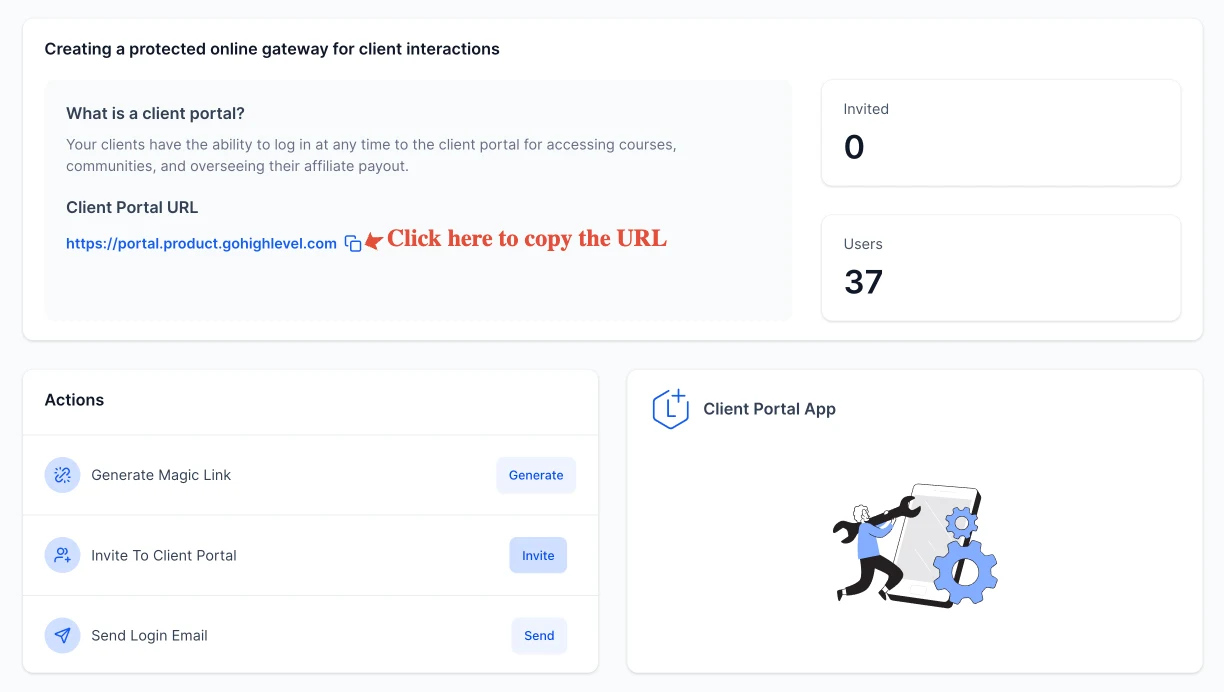
The HighLevel client portal serves its product modules
HighLevel's client portal serves the wider marketing platform. Courses, communities, billing, files, and account settings can sit under one login.
Wayfront's portal serves the paid agency relationship. It links services, checkout, intake, client updates, support, bills, repeat sales, referrals, and resellers.
The operating difference in 3 parts
What the agency sells
HighLevel: HighLevel fits agencies packaging CRM, funnels, automation, communications, courses, communities, and software access.
Wayfront: Wayfront fits agencies packaging expertise into repeatable fixed-price or recurring services.
Client adoption
HighLevel: Clients and agency staff work inside a new marketing and CRM environment with sub-accounts, settings, workflows, and usage billing.
Wayfront: Clients use a focused portal for the agency relationship and can keep their existing CRM and internal tools.
Complexity budget
HighLevel: HighLevel requires the agency to operate its marketing stack or resell that stack to clients.
Wayfront: Wayfront has a narrower scope: service commerce, client delivery, support, and account growth.
The full shortlist
The 5 best GoHighLevel alternatives
Each tool does a different job. Choose based on what should happen after a client pays.
1 of 5
Wayfront
Where Wayfront fits
Best for agencies selling repeatable productized services. Wayfront connects purchase, intake, projects, tasks, communication, billing, support, and the next sale in one permissioned account.
Main tradeoff
Custom work that starts with a proposal needs its own sales process.
2 of 5
SuiteDash
Where SuiteDash fits
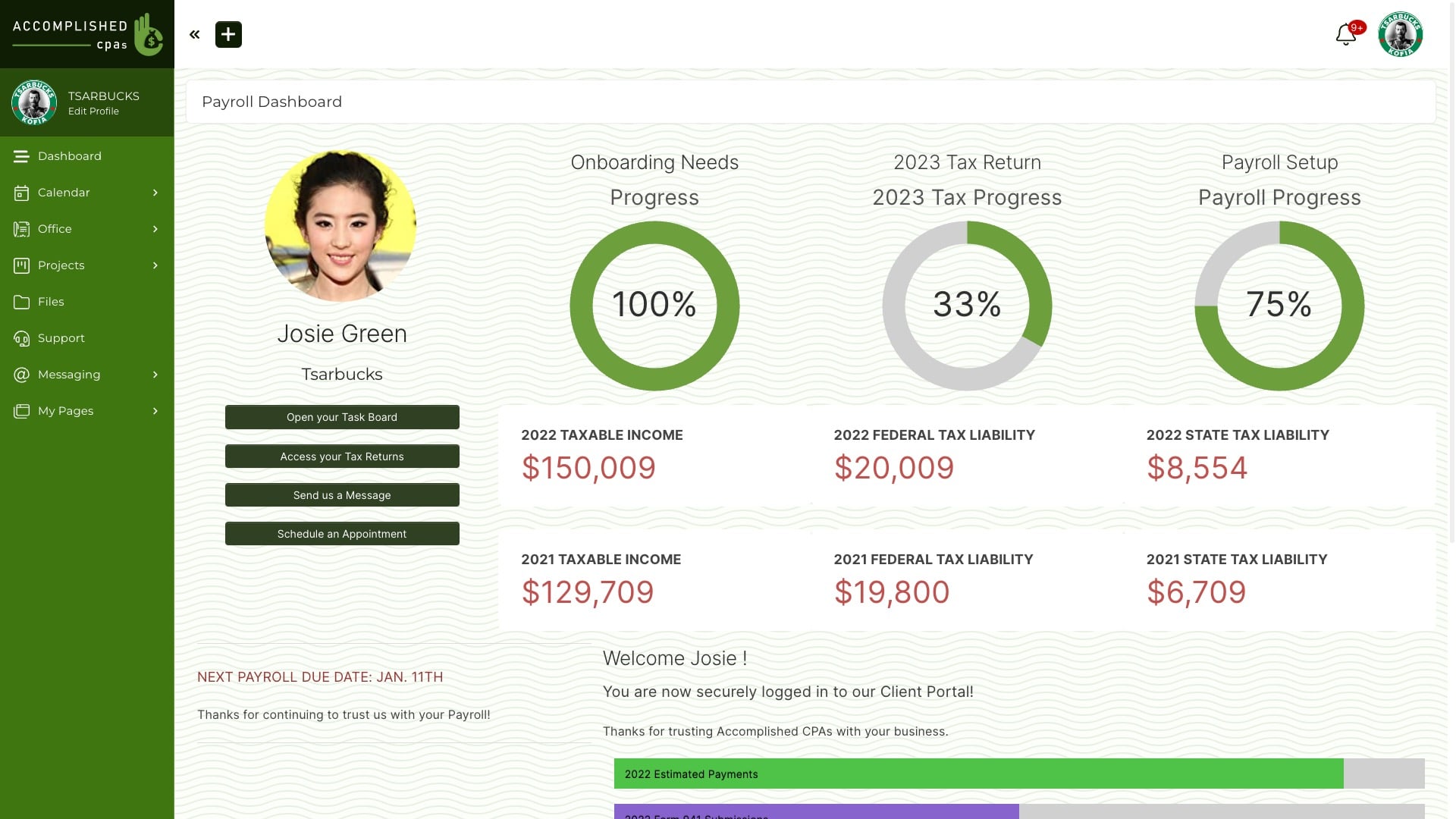
Best for businesses that want one low-cost back office. Choose SuiteDash when one Swiss Army knife must cover CRM, projects, billing, files, portals, proposals, and rules.
How SuiteDash is organized
SuiteDash spreads CRM, proposals, invoices, projects, files, portal pages, and rules across a broad back office. The team decides how they should connect.
Main tradeoff
The agency must connect and maintain CRM, proposals, invoices, projects, files, portal pages, and automation. In our August 2026 review, the current interface looked dense and dated.
Why it made this shortlist
Choose SuiteDash for portals, bills, projects, files, CRM, and rules. It leaves out HighLevel's funnels, calls, campaigns, and review tools.
What the switch gives up
It replaces marketing software with a broad back office. Teams still must configure how sales, delivery, billing, and client access connect for each service.
3 of 5
HubSpot
Where HubSpot fits
Best for teams that need one large crm for marketing, sales, and support. Choose HubSpot when marketing, sales, and support teams need one shared CRM.
How HubSpot is organized
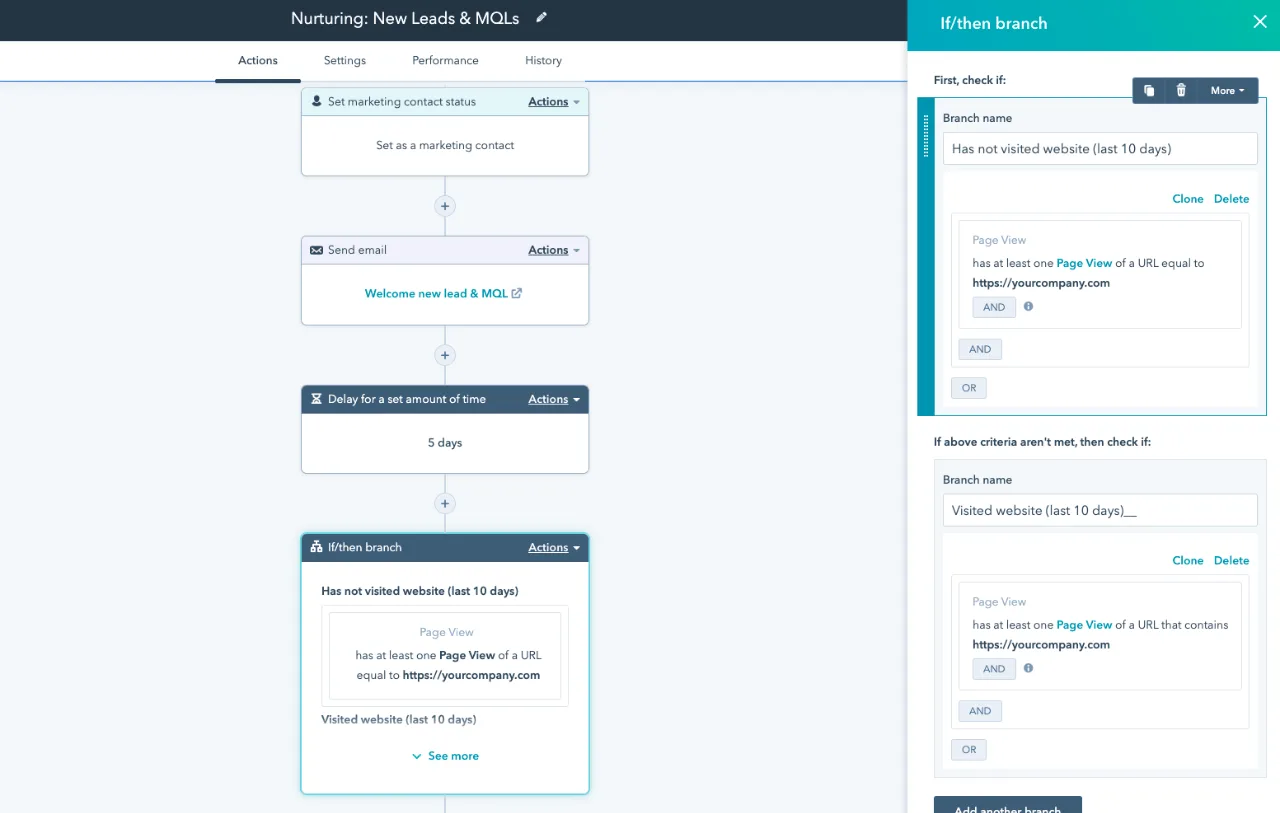
HubSpot builds work around contacts, firms, deals, tickets, campaigns, and rules. It helps when several teams need one customer record.
Main tradeoff
Agency-service checkout, intake, delivery, and repeat buying still need another operating system.
Why it made this shortlist
Choose HubSpot when marketing, sales, and support need one large CRM. It joins contacts, firms, deals, tickets, campaigns, and reports.
What the switch gives up
HubSpot centers CRM, marketing, sales, and support. It can handle commerce. The agency must map checkout, intake, client work, and files. It must also map repeat service sales. Then decide which system owns the paid agency service.
4 of 5
ActiveCampaign
Where ActiveCampaign fits
Best for email follow-up, lead nurture, and sales pipelines. Choose ActiveCampaign when email journeys and CRM rules sit at the center of the stack.
How ActiveCampaign is organized
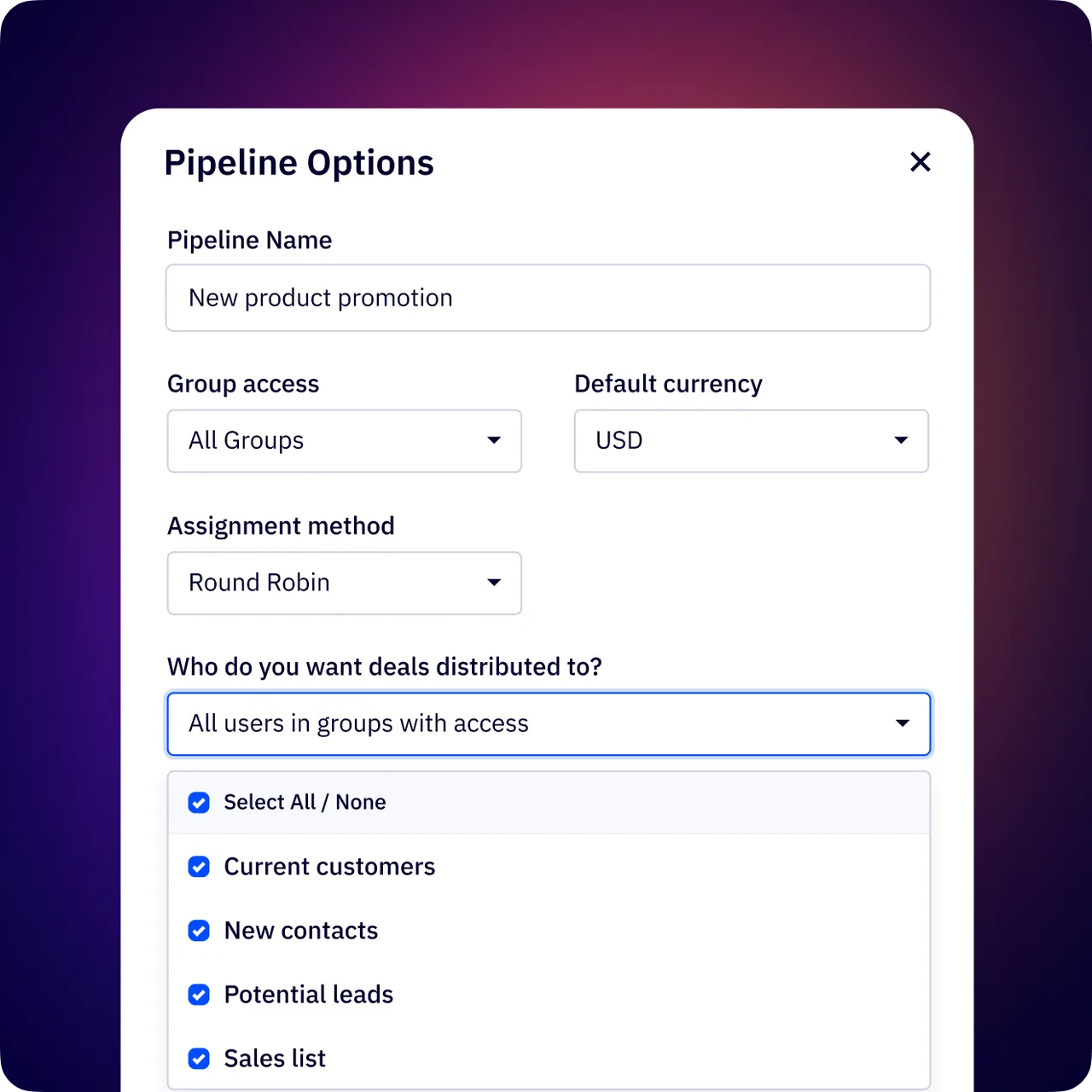
ActiveCampaign links email, lead scores, CRM pipelines, and sales rules. Its scope ends at marketing and sales.
Main tradeoff
It stops at marketing and sales, so paid client work still needs another tool.
Why it made this shortlist
Choose ActiveCampaign when email, lead scores, sales rules, and follow-up are the main jobs. It narrows the stack to marketing and sales.
What the switch gives up
Paid client delivery remains outside that boundary. The agency still needs a portal for services, intake, files, support, approvals, and billing context.
5 of 5
Vendasta
Where Vendasta fits
Best for agencies that resell marketing software to local firms. Choose Vendasta when clients need a white-label marketing platform, software list, and local business dashboard.
How Vendasta is organized
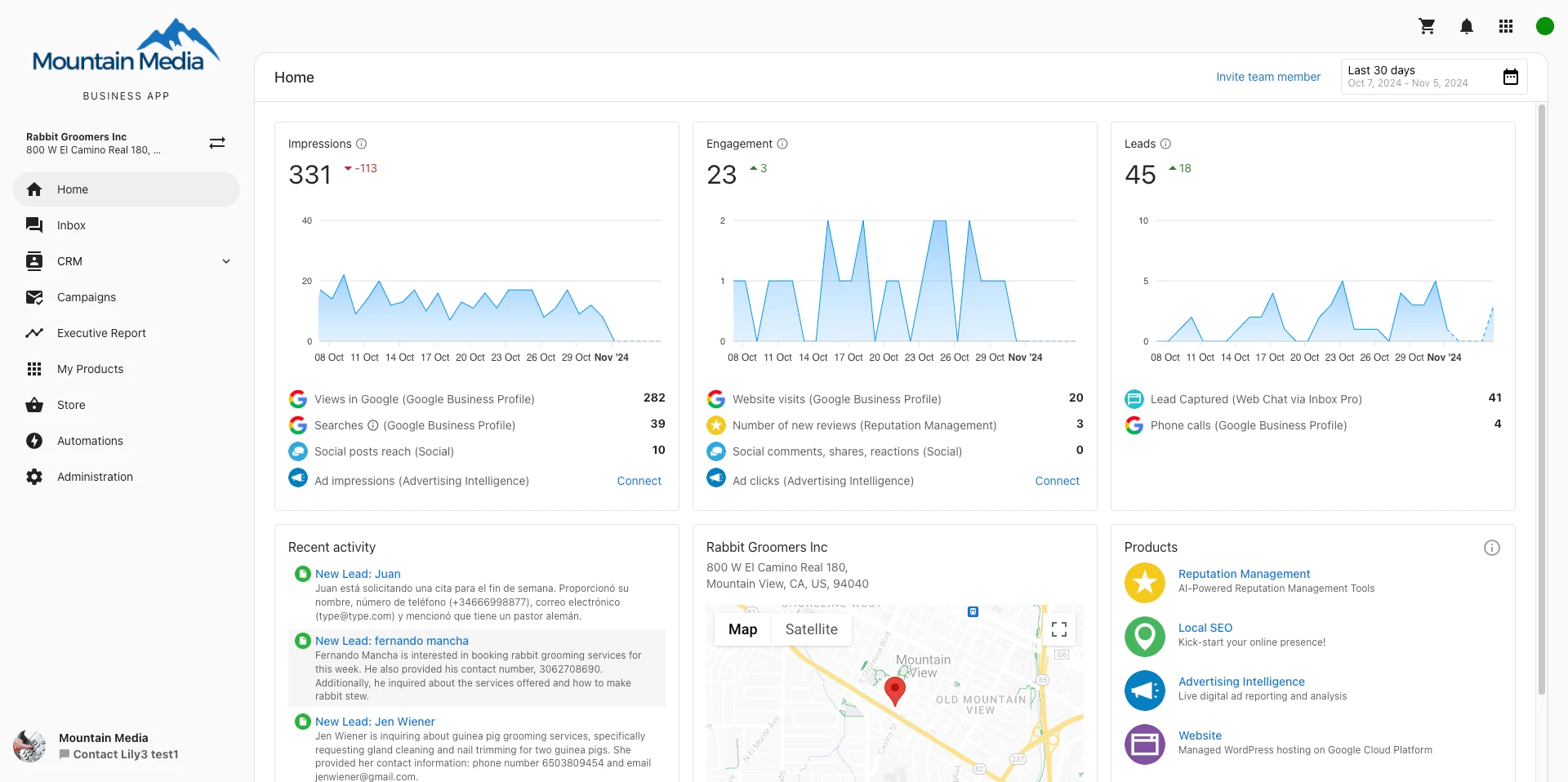
Vendasta gives agencies a white-label platform, software store, local business dashboard, CRM, and optional delivery help.
Main tradeoff
The agency must adopt and support a local-marketing software stack. Done-for-you service delivery still needs its own path.
Why it made this shortlist
Choose Vendasta when the agency resells marketing software to local firms. Its store, client app, CRM, and optional delivery support that model.
What the switch gives up
That differs from a done-for-you service. Clients should not get a second marketing platform unless software is part of the offer.
How to choose
Decide what the replacement must own
GoHighLevel alternatives solve different jobs. A CRM, funnel builder, marketing tool, and branded portal each run a different part of the business.
Map the marketing stack, multiple client accounts, paid work, billing, and portal before choosing a replacement. The best GoHighLevel alternative is the one that owns the job clients actually pay for.
CRM, contacts, and the sales pipeline
HighLevel combines contacts, leads, web forms, meetings, a sales pipeline, and rules. Sales teams can follow a lead from capture to close in one place.
Call tracking, lead attribution, sales pipeline tracking, online reviews, customer feedback, and lead tracking stay with the same CRM record. These tools matter when the agency owns the client's marketing operation.
Wayfront starts after a client buys a repeatable service. Qualified leads and marketing campaigns stay in the CRM or specialized tools built for that work.
Funnels, pages, and lead generation
HighLevel includes funnels, landing pages, a page editor, sites, web forms, and member sites. A marketing team can build pages and capture leads in one tool.
That fits an offer built around sales funnel building and conversion. The agency must also own domains, templates, ad traffic, tracking, and multiple client campaigns. The same account can also sell online courses when training is part of the offer.
Wayfront can sell a landing-page service. The production and marketing tools that build the page stay in the client's existing stack.
Email, messaging, and campaign automation
HighLevel joins email, SMS, social tools, rules, and campaigns. Agencies can run follow-up across many client accounts.
Usage, delivery rates, consent, templates, segments, and workflow rules become part of the service. Choose the all in one platform when the agency runs email marketing and automation for clients.
Wayfront communication is narrower. Clients can reply by email while the account keeps order and support context. Audience campaigns remain in the client's marketing automation tool.
Advertising, reputation, and reporting
HighLevel covers Google Ads, social posts, reviews, lead credit, and reports. Campaign work can stay tied to contacts and deals in the client account.
These tools matter when the offer includes the client's lead system. HighLevel can keep marketing, follow-up, results, and reports together.
Wayfront sits above those campaign tools. It sells and runs the agency service while Google Ads, social media, CRM integration, and reporting stay with the people responsible for marketing execution.
SaaS mode, sub-accounts, and the agency product
HighLevel lets an agency sell the software under its own brand. SaaS Mode can create multiple client accounts, apply plans, rebill use, and open access to CRM, funnels, rules, messages, and online courses.
This works when the agency sells software access or a managed marketing system. The built in tools and client campaigns become part of the product.
Wayfront fits service businesses selling set done-for-you work. The portal holds the agency relationship while clients keep their own CRM and marketing tools.
AI, automation, and real product boundaries
HighLevel labels several lead capture, messaging, content, and campaign features as AI powered. Those automation tools belong to the client's marketing stack.
Workflow automation and CRM integration can save real work. An AI test should cover the task, permissions, audit trail, and data boundary.
Wayfront runs the paid service and client account. HighLevel can keep the marketing workflows built for the client's audience.
Plans, complexity, and the right buyer
HighLevel's free trial leads into paid plans. Compare the plans that include SaaS Mode, rebilling, client accounts, reports, payment processing, and the required usage.
The stack is wasteful when small businesses only need client portals for agency work. They inherit CRM, funnels, campaign settings, messages, and automation outside the service they bought.
Choose HighLevel when the client buys the marketing system. Choose Wayfront when the client buys repeatable agency expertise and the portal should coordinate that service without replacing the client's stack.
How Wayfront works
Done-for-you services need a focused client relationship
Wayfront runs the agency service around the client's current marketing stack. It covers purchase, intake, client updates, support, and the next sale.
This fits an agency that sells repeatable done-for-you work. HighLevel fits when the agency sells CRM, funnels, messages, and rebilled software as part of the offer.
Reseller network
built into the service model
Customer proof · Podblade
Podblade sells podcast editing through agency partners with Wayfront.
Read the customer story1. Sell
Turn the sale into a client account
A paid service keeps the client, line items, bill, and service context together. Wayfront connects to the agency's own Stripe or PayPal account.
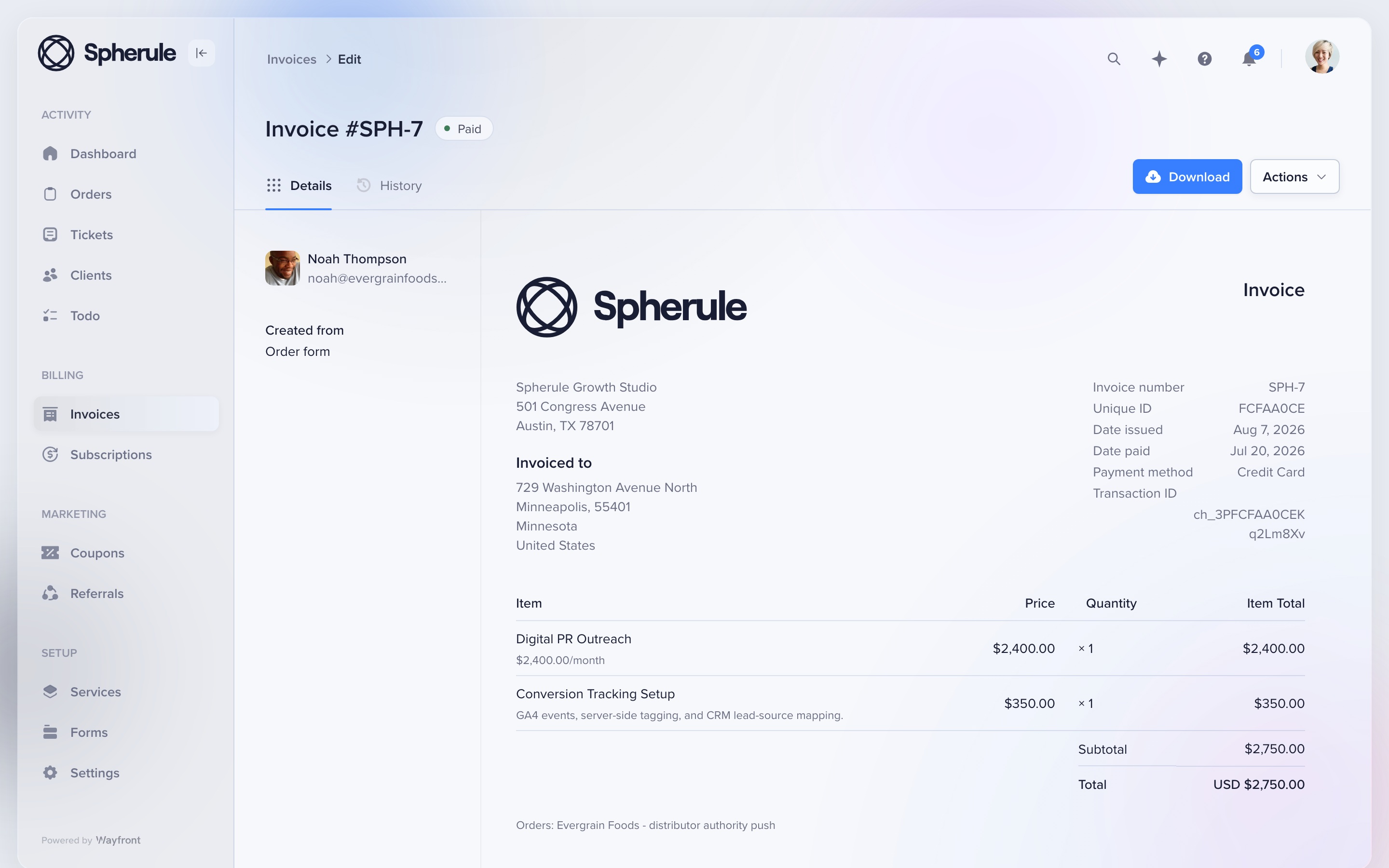
This redesigned invoice shows a recurring digital PR service and conversion-tracking add-on in one client record. The agency keeps control of its payment account, payouts, refunds, and disputes.
2. Onboard
Collect only the intake this service needs
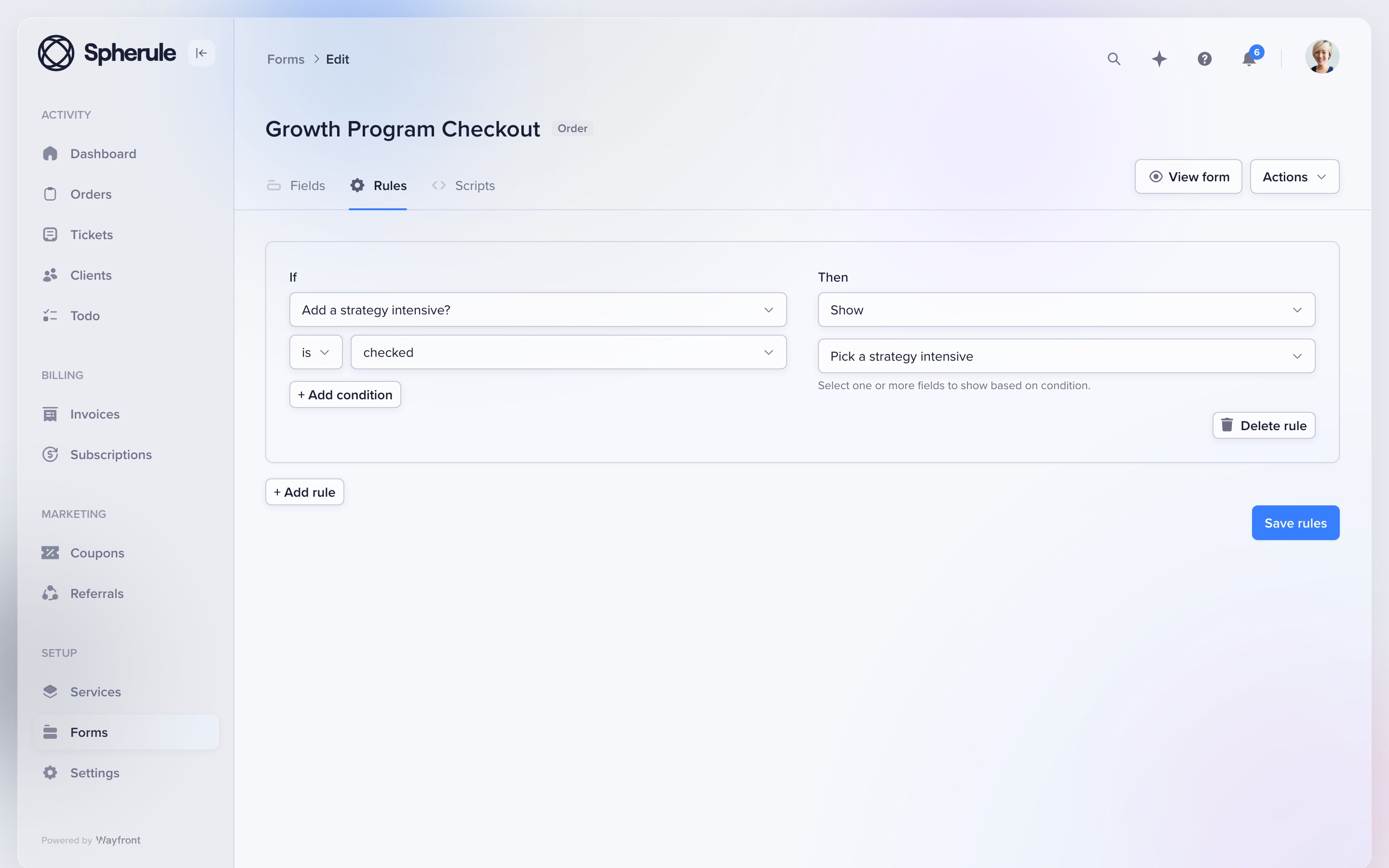
Give each service its own form. Conditional rules can show the next question based on the client's earlier answers.
Attach the form to the service before launch. A local SEO package, podcast plan, and landing page can each ask for different facts. The resulting project, tasks, owners, and client access stay tied to the purchase.
3. Communicate
Let clients choose the portal or email
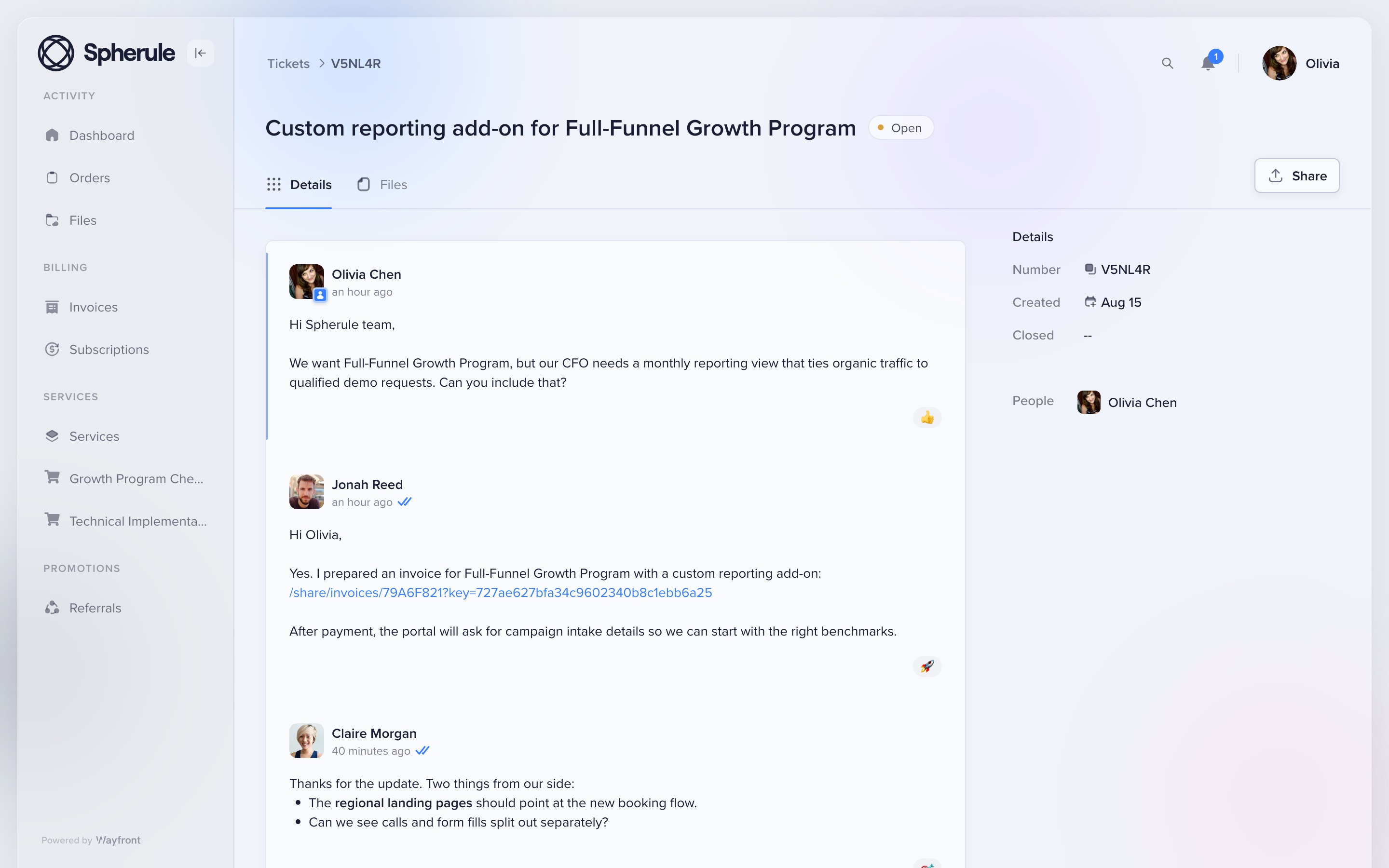
Clients can reply from their inbox or from the portal. Orders, files, tickets, bills, and current work stay under the same account.
This redesigned portal thread shows the conversation attached to the client account. Email replies return to the correct order or support ticket, so the team keeps one clear record.
4. Grow
Make the next sale easier
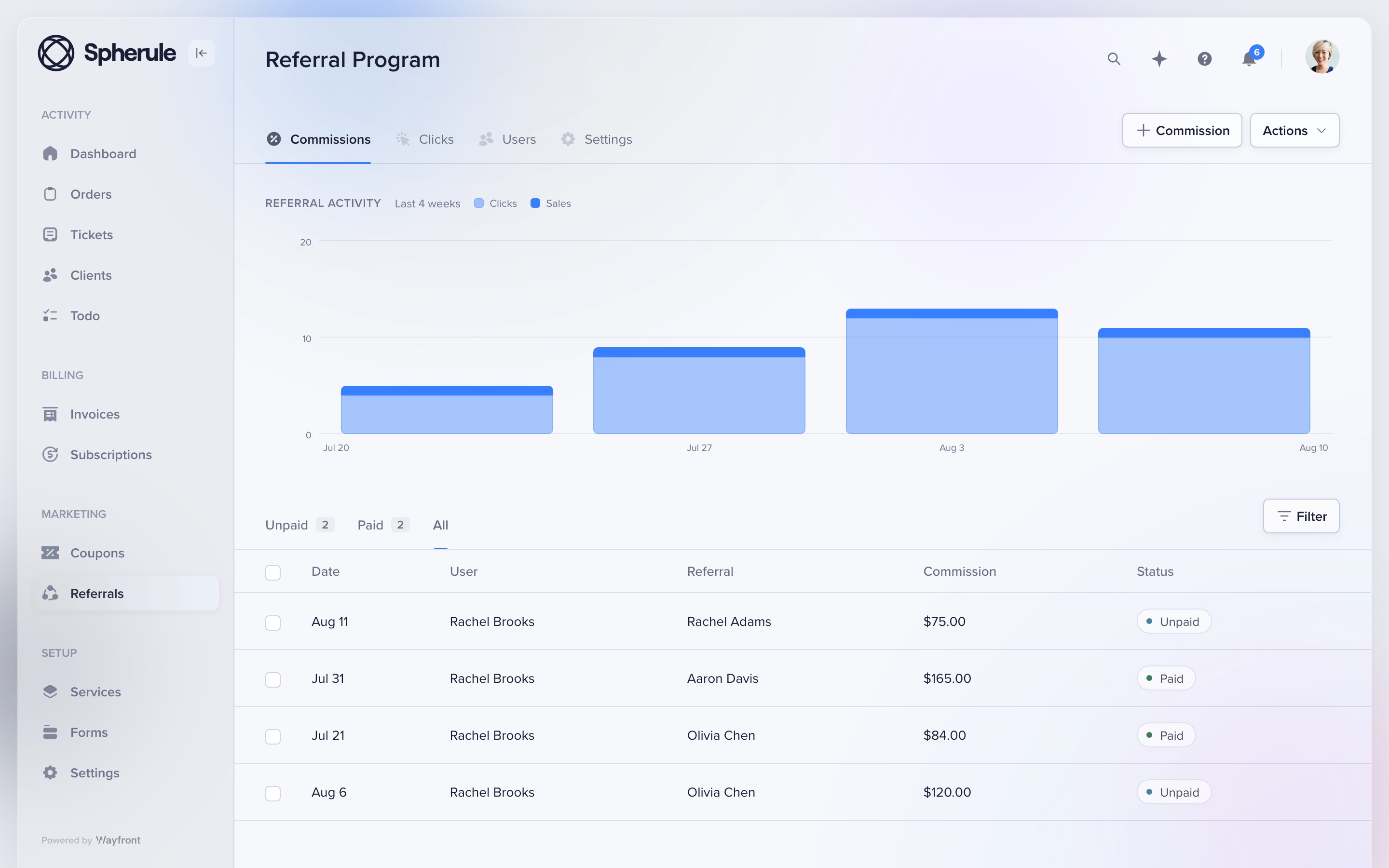
Keep repeat sales, referrals, and reseller work in the paid client account. The portal stays useful after the first job is done.
A client can buy again or refer a new buyer. An agency partner can resell an approved service from its own workspace. Each sale stays tied to the right client or partner.
Where Wayfront stops
Know the boundary
Wayfront is built for repeatable productized services. It is a poor fit for bespoke work that must be scoped, proposed, and priced from scratch for every client. Teams that need Gantt charts, time tracking, or deep resource planning may still want a specialist planning tool.
Before you buy
Run 3 tests with a real service and client
A feature grid hides the handoffs. These tests show what the agency and client must do next.
Buy the same real service
Use the same scope, price, options, and intake for each option you are seriously considering. If a tool needs a separate checkout or delivery system, include it in the test and count every manual handoff.
Deliver one awkward request
Change scope, add a file, reply from email, ask for support, and issue a refund. Check which staff and client records keep the full history without a manual rescue.
Sell the next service
Ask the same client to buy again, renew, refer a buyer, or purchase through a partner. The second sale exposes whether the product runs a client relationship or only the first transaction.
Switching
Move 1 service first
Keep HighLevel if it runs the client's CRM or marketing. Move the agency's services, checkout, intake, work messages, billing, and support to Wayfront. Leave the client's marketing stack in place.
1. Keep the client marketing stack intact
Keep funnels, contacts, rules, campaigns, calendars, and message tools in the client's HighLevel account when they still run the marketing work.
List the services, intake, billing, work messages, support, and repeat-sales paths that belong to the agency.
2. Move the commercial layer
Build one service in Wayfront and link the internal work to the correct HighLevel sub-account. Invite active clients after staff know which system owns each message and file.
Remove copied portal areas only after the first bill and delivery cycle works.
3. Test the second sale
Ask the client to buy the same service again, add a related service, request support, and reply from email. Keep each event attached to the paid client account.
Then test any SaaS renewal or usage charge that remains in HighLevel. The client should understand which system bills for software and which one bills for agency work.
How this comparison was checked
HighLevel agency, SaaS mode, sub-account, rebilling, white-label, and unified client-portal documentation reviewed August 2026. We compared who each tool serves, what clients see, how payments work, and what happens after the sale.
For another perspective, read HighLevel user reviews on G2.
GoHighLevel alternative FAQs
Wayfront fits agencies selling their own set services. Vendasta fits software resellers. HubSpot fits teams that need a large CRM for marketing, sales, and support.
Only when it no longer owns a real job. Keep HighLevel for the client CRM, funnels, campaigns, calls, or reputation management, and move paid service delivery to a focused client portal.
Yes. HighLevel can run leads and campaigns. Wayfront can run service checkout, intake, client updates, support, bills, and repeat sales.
Choose Vendasta when the agency sells marketing software and a local business dashboard. Its operating model fits a software reseller.
Comparing a wider set of portal categories? Read our guide to the best client portal software for productized agencies.
